
How to Make a Flipbook
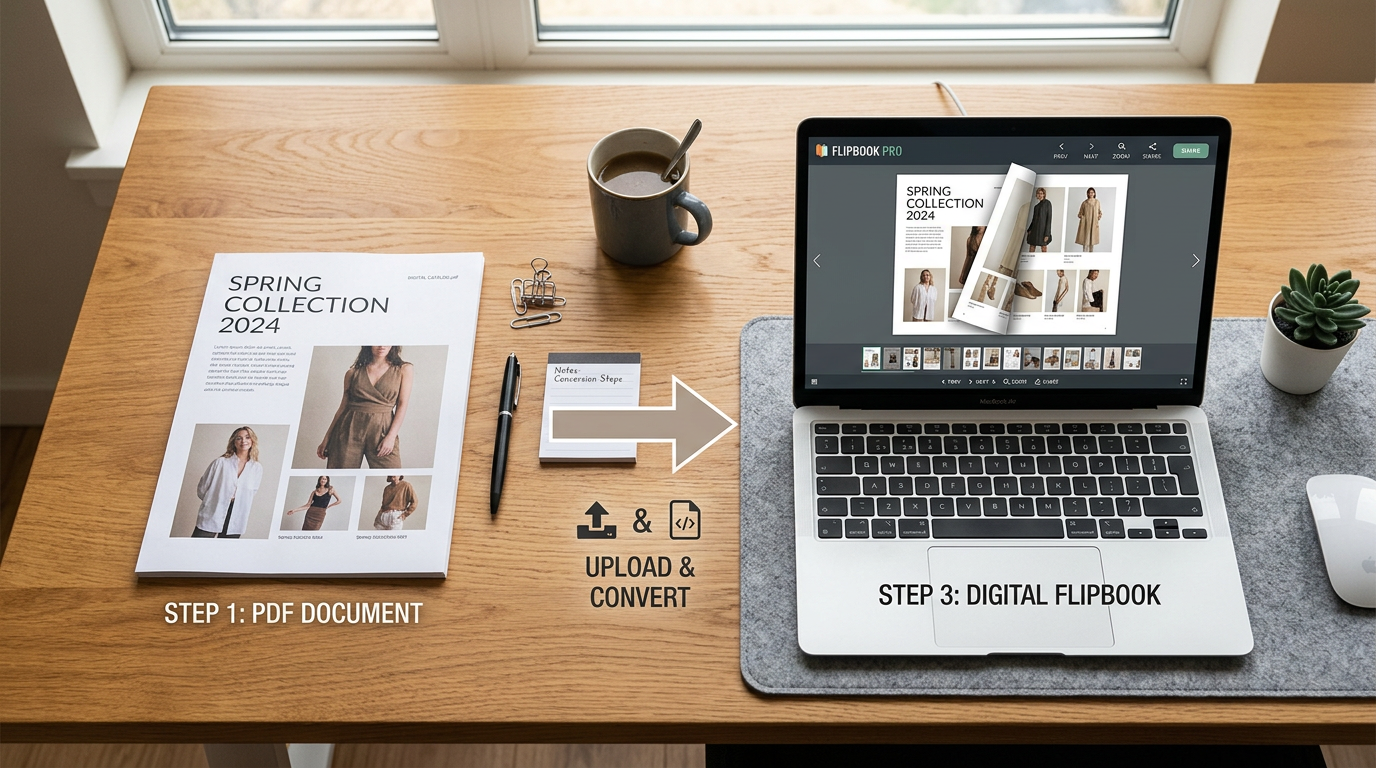
Turning a PDF into an interactive online flipbook takes just a few minutes with Instant Flipbook. Whether you are working with an annual report, product catalog, magazine, training manual, or any other multi-page document, the process is the same: upload, customize, and publish.
What You Will Need
All you need is your document saved as a single PDF file. If your pages are spread across multiple files, combine them into one PDF first using any PDF tool (Adobe Acrobat, Preview on Mac, or a free online merger). For the best results, use a high-quality export — Instant Flipbook will handle the optimization from there.
Step 1: Upload Your PDF
Log in to your Instant Flipbook account and click the upload button. Select your PDF file and the conversion will start automatically. Depending on the number of pages, this usually takes less than a minute.
Step 2: Customize Your Flipbook
Once the conversion is complete, you can tailor the flipbook to match your brand and goals:
- Appearance — Adjust background color, interface style, and branding to match your visual identity.
- Interactive links — Add clickable links to any area of your pages. Point readers to product pages, contact forms, email addresses, or external resources.
- Settings — Control features like fullscreen mode, page thumbnails, zoom behavior, and more.
Step 3: Download and Publish
When you are happy with the result, download your flipbook as a ZIP file. From here you have several options for getting it in front of your audience:
- Self-host on your website — Upload the extracted files to your web server and link to them directly. Need help? See our guide on uploading a flipbook to your website.
- Embed on any page — Use our embed code generator to create an iframe snippet you can paste into any website, blog, or CMS.
- Share via email or social media — Send the direct URL to your flipbook in a newsletter, email campaign, or social post.
- Distribute offline — Copy the files to a USB drive or local folder for offline viewing. See our offline media guide for details.
That Is It
Three steps — upload, customize, publish — and your static PDF becomes an interactive, page-turning publication that works on every device. No design skills or coding required.
Ready to get started? Create your flipbook now.
Featured Articles
- Uploading a Flipbook to Your Website
- Flip Book Embed Code Generator
- How to Embed Flipbook on WordPress
- Benefits of Using a Flipbook
Businesses use Instant Flipbook