
Using the Flipbook on Offline Media
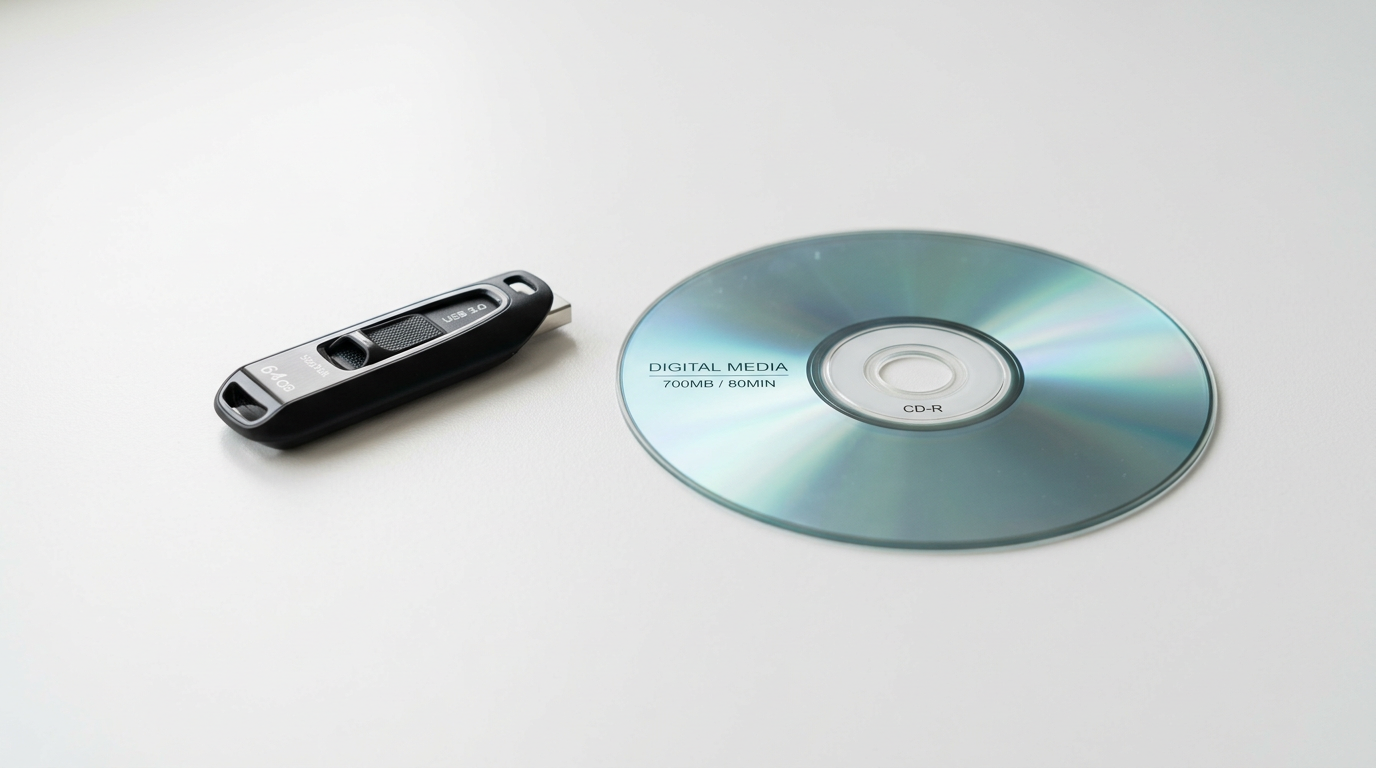
Your flipbook does not require a web server or an internet connection to work. It runs entirely in a browser, which means you can distribute it on USB drives, share it from a local folder, or include it on any removable media.
How It Works
A flipbook is a self-contained set of HTML, CSS, JavaScript, and image files. Any modern browser can open these files directly from a local drive — no hosting required.
Steps to Set Up Offline Viewing
- Download and extract — Download the flipbook ZIP file from your Instant Flipbook account and extract it to a folder on your computer.
- Copy to your target media — Copy the entire extracted folder (for example,
flipbook) to your USB drive, external hard drive, or any other storage device. - Open in a browser — Navigate into the folder and double-click
index.html. Your default browser will open and display the flipbook immediately.
Tips for Distribution
- Keep the folder structure intact — all files must remain in the same relative positions for the flipbook to render correctly.
- For the smoothest experience, recommend that recipients use an up-to-date browser such as Chrome, Firefox, or Edge.
- If you are preparing media for a large audience (e.g., conference USB drives), consider adding a short
README.txtwith instructions to openindex.html.
Featured Articles
- Uploading a Flipbook to Your Website
- Flip Book Embed Code Generator
- How to Embed Flipbook on WordPress
- Benefits of Using a Flipbook
1
3
0
,
0
0
0
+
Businesses use Instant Flipbook